
Hotkys for Raycast · macOS
Find it. Run it. Stay in the flow.
Search the shortcuts for your current app, then run one without leaving Raycast.
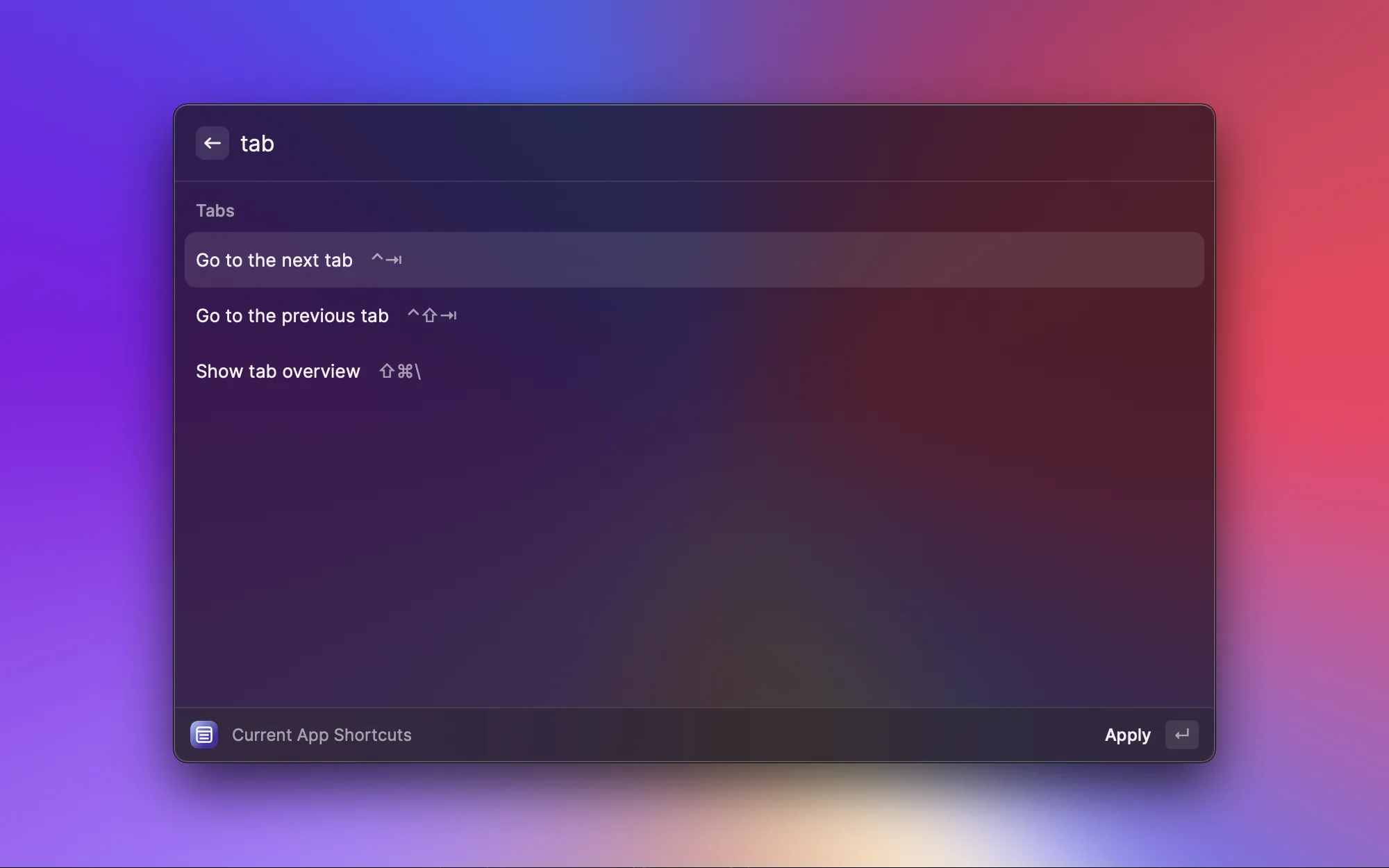
From a search to a shortcut.
Open your app’s shortcuts
Run List Current Shortcuts in Raycast to see the actions for the app in front of you.
Find the action
Type what you want to do, like “tab” or “bookmark”, to narrow the list.
Press Return
Apply the selected key combination to your app and get back to work.
Pick an app. Find an action.
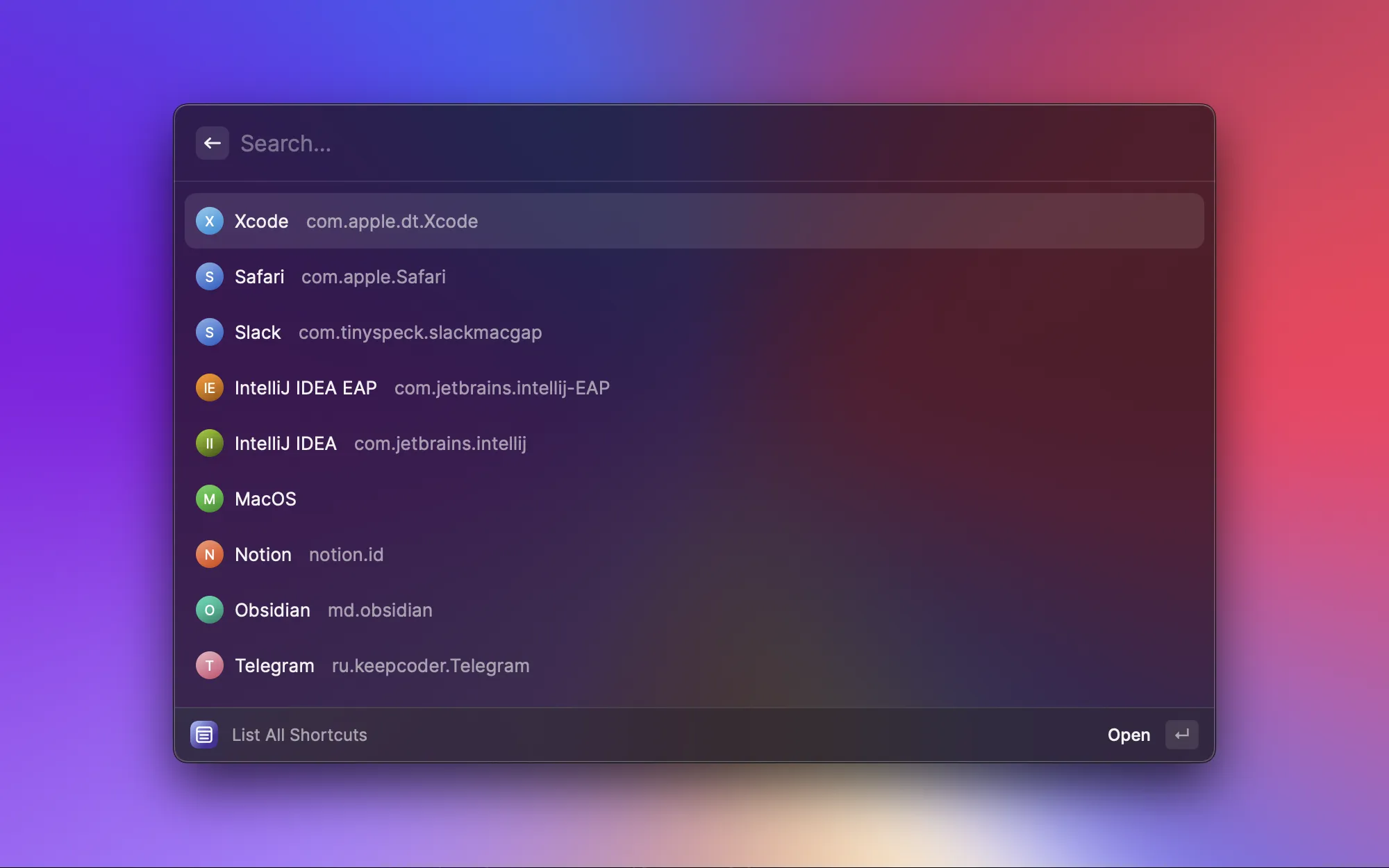
Your collection, one search away.
Browse the Hotkys catalog directly from Raycast. Choose an app to explore its shortcuts.
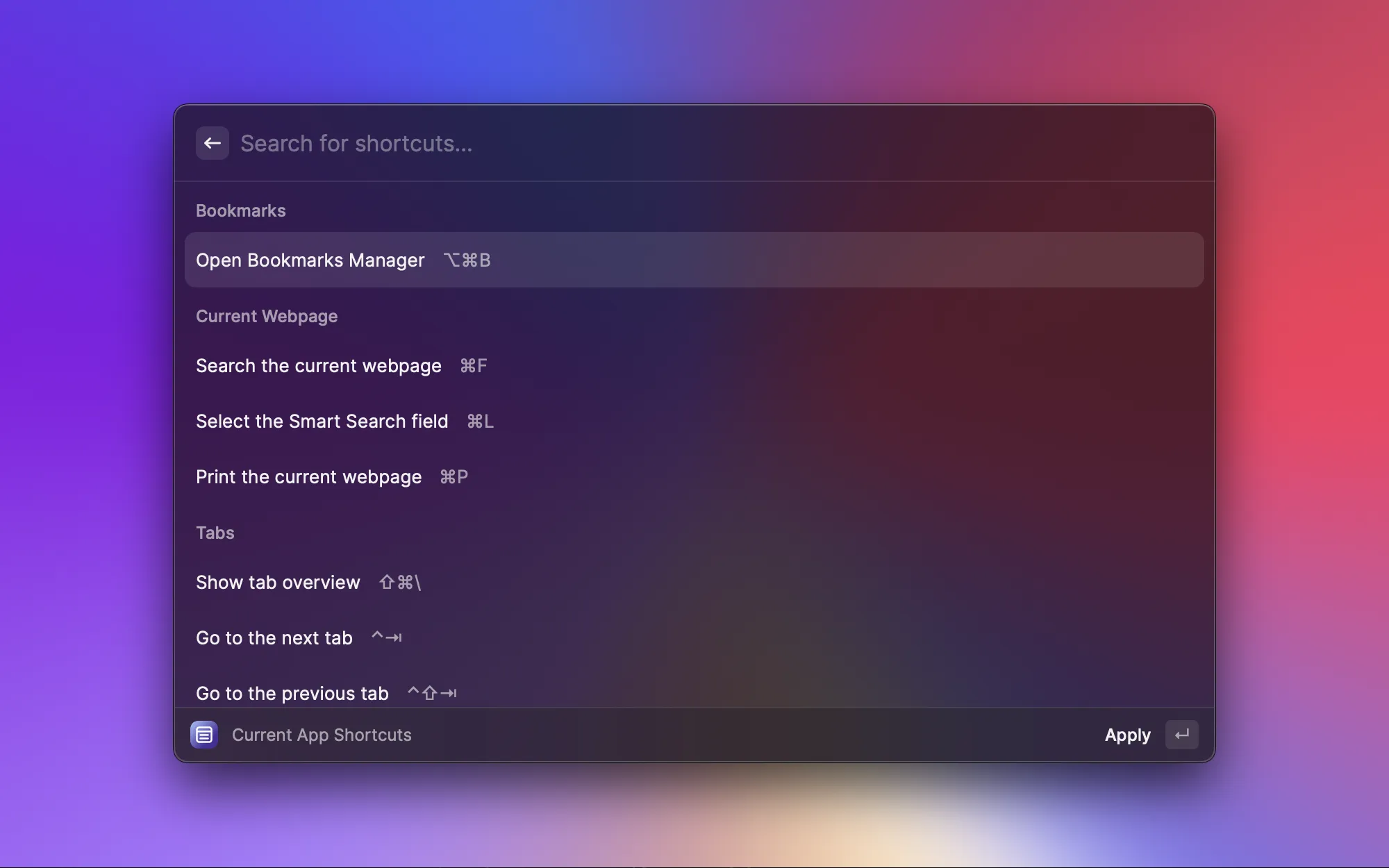
Less searching through menus.
See an app’s actions and key combinations together. Search for an action, then select it to run.
A command for the way you work.
Browse every app, jump to the one you’re using, or find shortcuts for a supported website.
Made for Raycast on macOS. Web app detection supports Safari, Chrome, and Arc.
New to Raycast? Get Raycast to use the extension.
- List All Shortcuts
- Browse the full catalog of desktop and web apps, then open an app’s shortcuts.
- List Current Shortcuts
- Find shortcuts for the supported desktop app that’s currently in front.
- List Current Web Shortcuts
- Find shortcuts for the supported web app open in your current browser tab.
- Copy Current App’s Bundle ID
- Copy an app’s identifier when contributing new shortcuts to Hotkys.